AutoMobile
AutoMobile is an MCP server that lets AI agents control your Android & iOS
devices using natural language. It uses standard platform tools like adb &
simctl paired with its own additional Kotlin & Swift libraries and apps. All
components are open source. The point is to provide mobile engineers with AI
workflow tools to perform UX deep dives, reproduce bugs, and run automated
tests.
Install
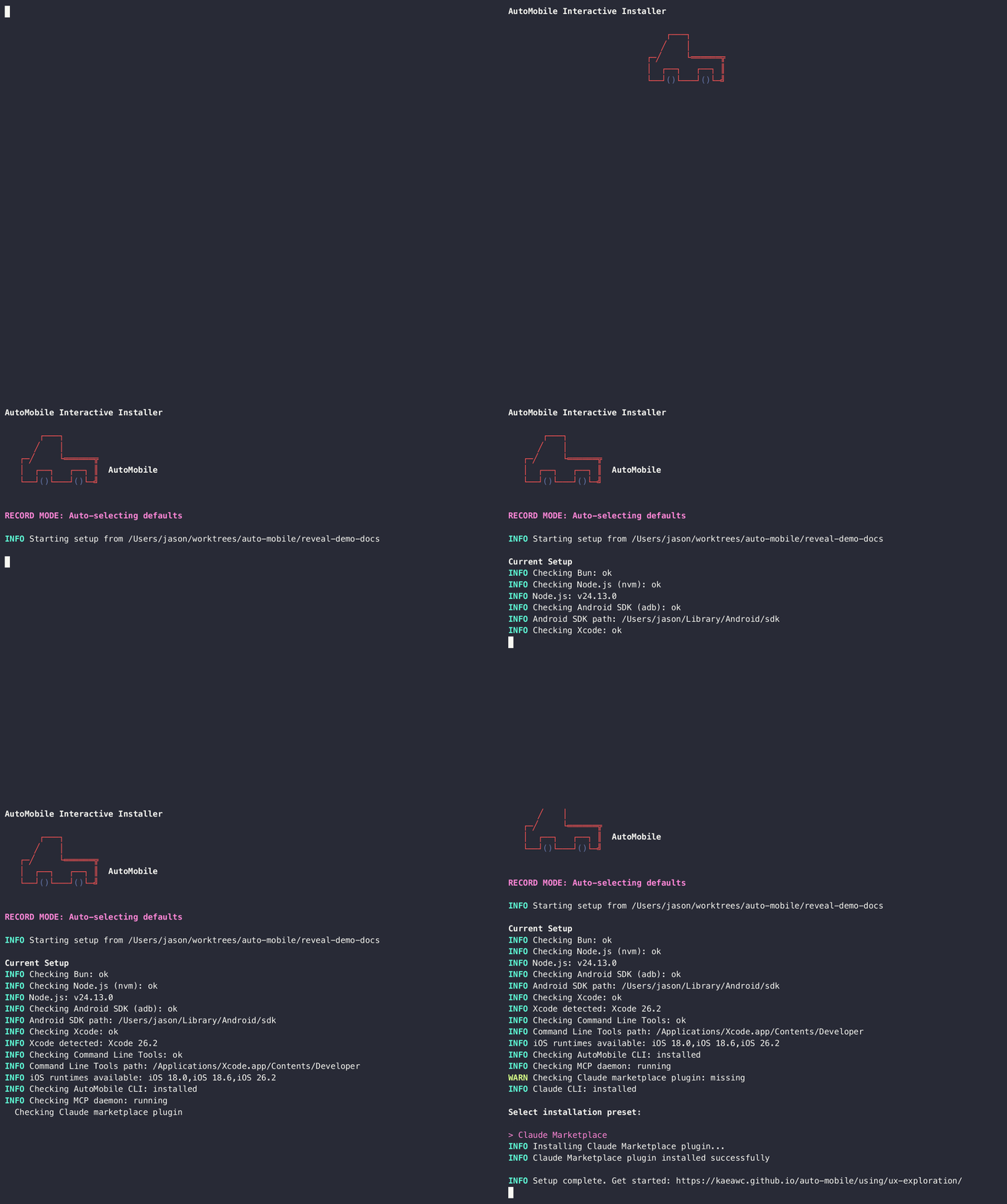
curl -fsSL https://raw.githubusercontent.com/kaeawc/auto-mobile/main/scripts/install.sh | bash
Run this in your app repository for project configuration, or elsewhere for global configuration. Restart your MCP client when it finishes.
brew tap kaeawc/tap
brew install kaeawc/tap/auto-mobile
Installs the auto-mobile command-line tool and keeps it current through
brew upgrade. On recent Homebrew, run brew trust kaeawc/tap first if the
tap is reported untrusted.
{
  "command": "bunx",
  "args": ["@kaeawc/auto-mobile@latest"]
}
Place this server in the client’s documented MCP configuration, then restart the client. Going this route means you’re going to handle dependencies like having bun and ffmpeg.
First use
Open your configured agent and ask it to explore your mobile app. If you have a connected physical device it’ll recognize it, otherwise it’ll look for emulators / simulators to use or provision.
Some common workflows:
Uninstall
curl -fsSL https://raw.githubusercontent.com/kaeawc/auto-mobile/main/scripts/uninstall.sh | bash