Agent Examples
Take a tour
Open my
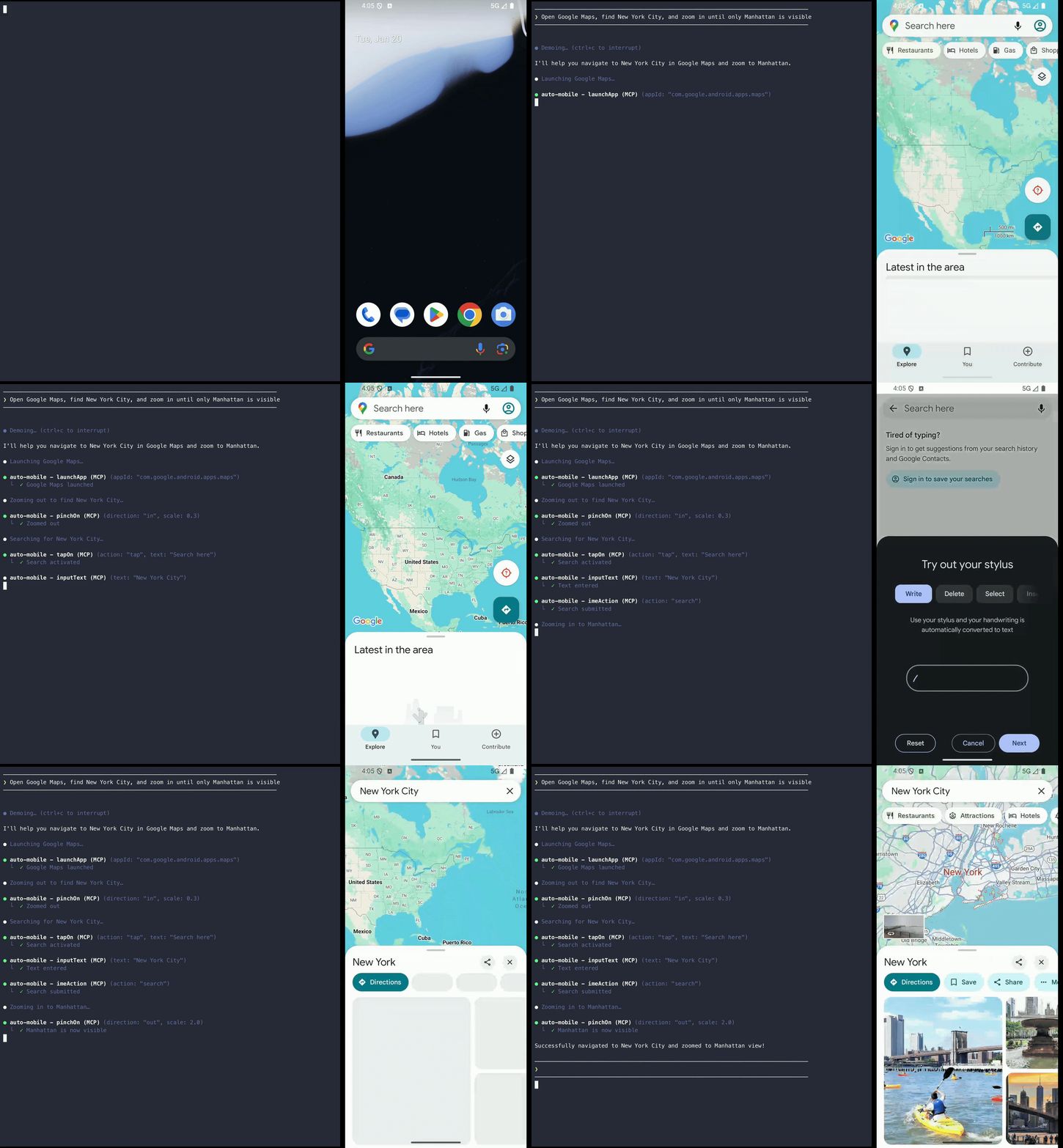
your appAndroid app and explore its main features. Visit each primary tab or section, and give me a short map of the key user flows you find. Call out any screen you couldn’t reach.
Open my
your appiOS app and explore its main features. Visit each primary tab or section, and give me a short map of the key user flows you find. Call out any screen you couldn’t reach.
Search for something
In my
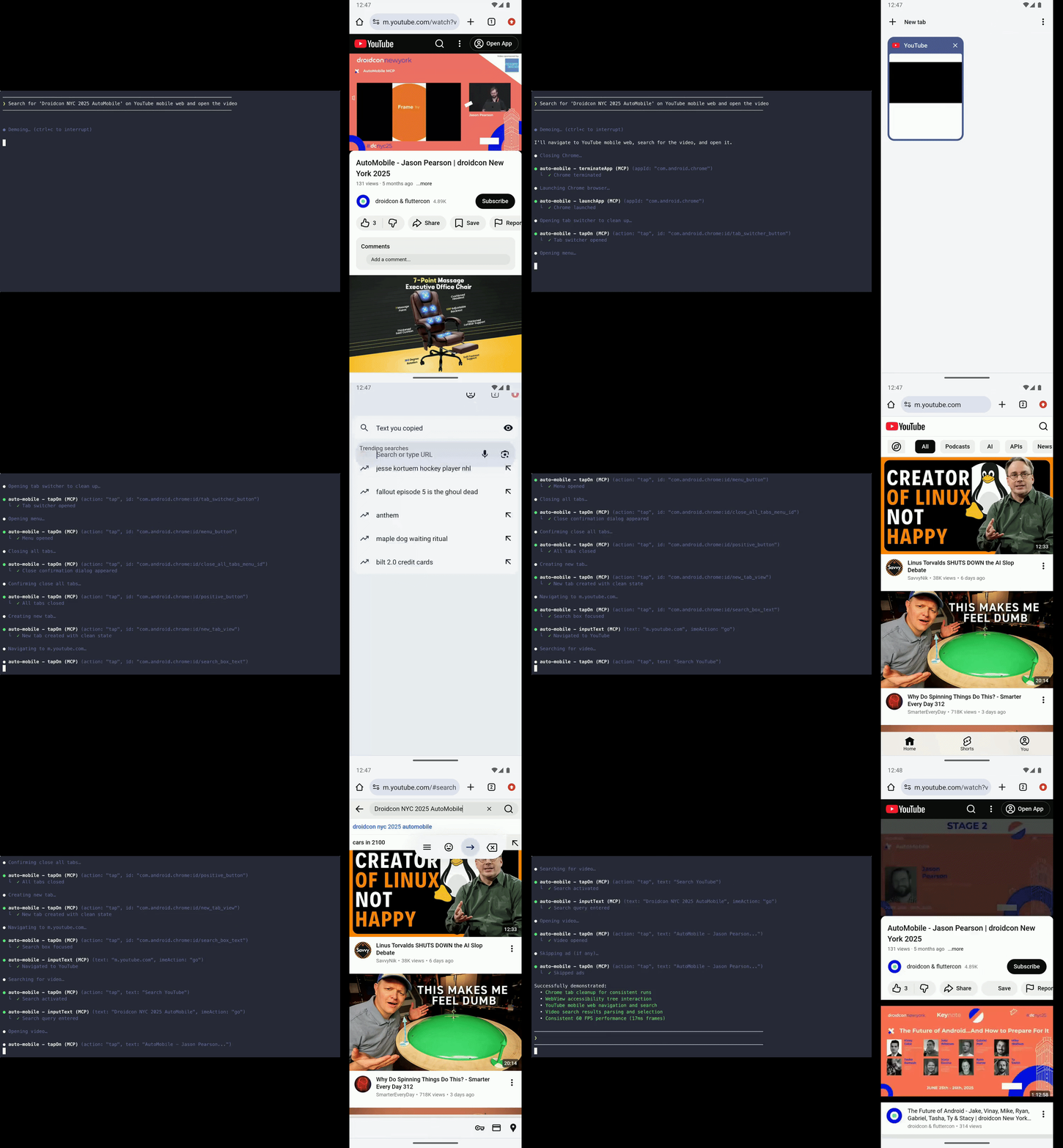
your appAndroid app, use search to findwhat to search forand open the first result. Tell me how many taps it took, and whether anything about the search or results was confusing.
In my
your appiOS app, use search to findwhat to search forand open the first result. Tell me how many taps it took, and whether anything about the search or results was confusing.
Walk onboarding
Go through my
your appAndroid app’s onboarding as a brand-new user, from first launch to the main screen. Report each step, any dead ends or confusing copy, and controls that were hard to tap.
Go through my
your appiOS app’s onboarding as a brand-new user, from first launch to the main screen. Report each step, any dead ends or confusing copy, and controls that were hard to tap.
Fill out a form
In my
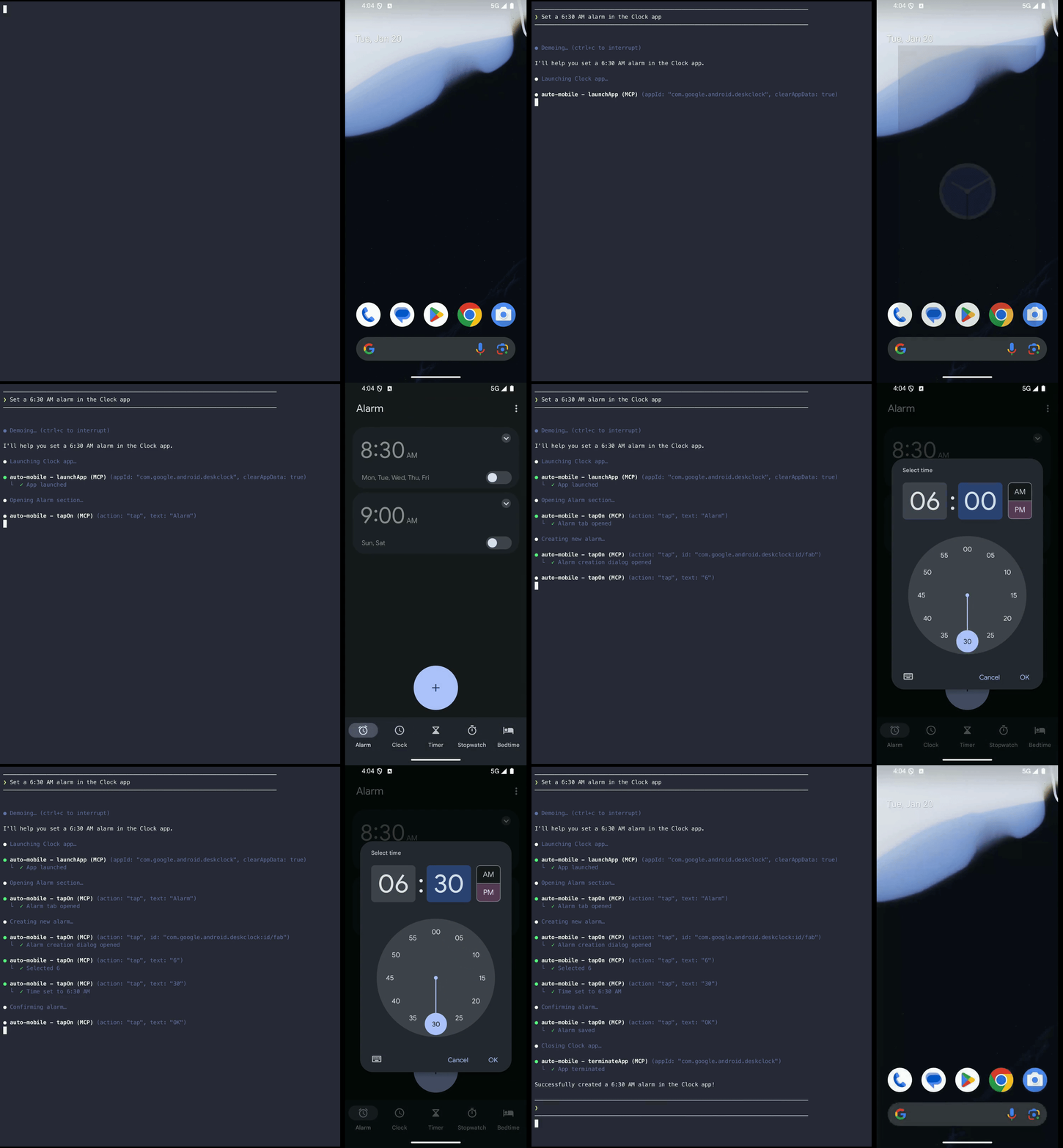
your appAndroid app, opena screen or featureand fill in the form — enter realistic text, pick a date one week from today, and set any toggles or options. Submit it and confirm the result, flagging fields that were awkward to use.
In my
your appiOS app, opena screen or featureand fill in the form — enter realistic text, pick a date one week from today, and set any toggles or options. Submit it and confirm the result, flagging fields that were awkward to use.
Scroll and find
Open
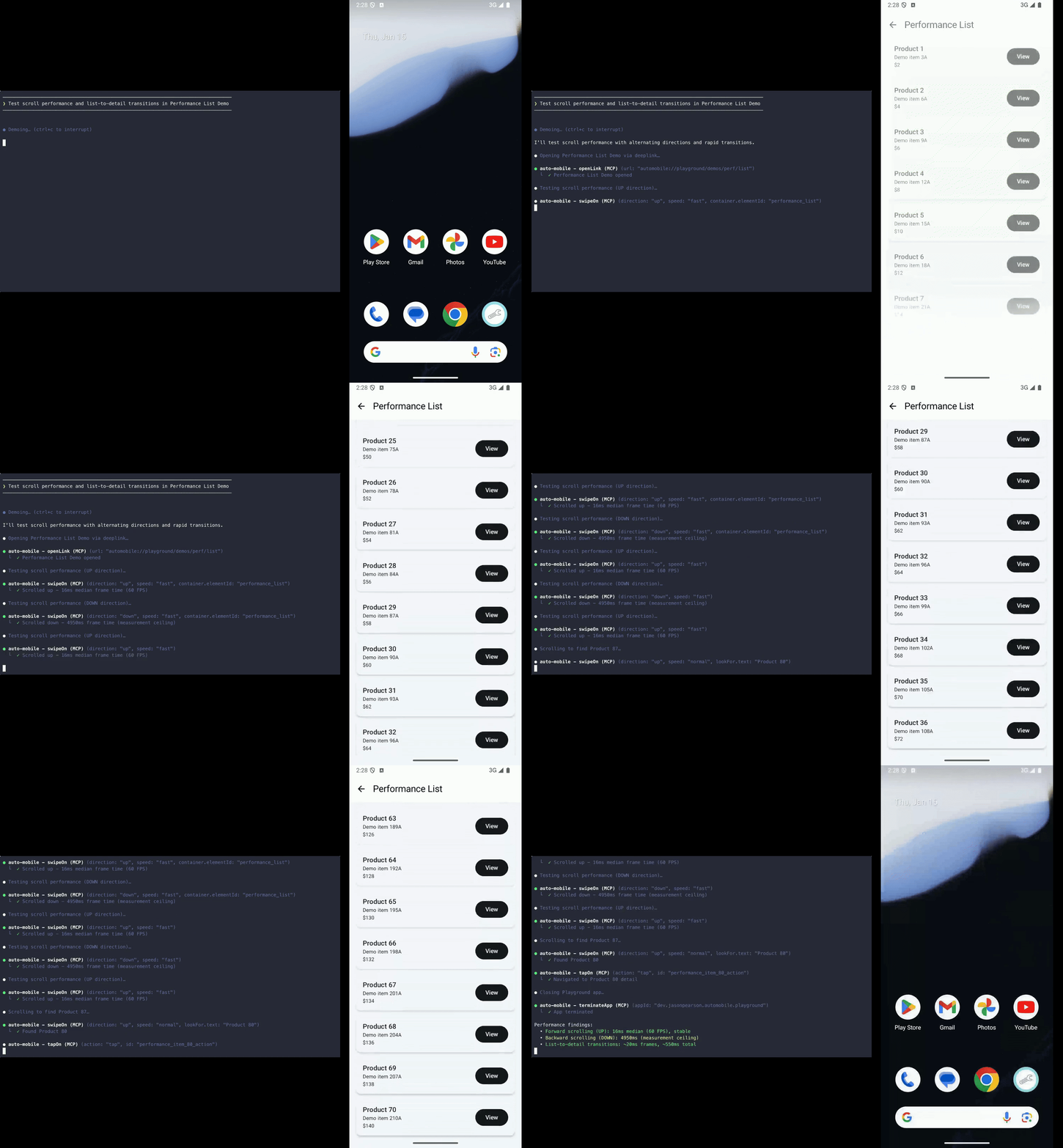
a list or feedin myyour appAndroid app, scroll until you findan item, then open its detail screen. Report whether the list scrolled smoothly and if anything was hard to reach.
Open
a list or feedin myyour appiOS app, scroll until you findan item, then open its detail screen. Report whether the list scrolled smoothly and if anything was hard to reach.
Reproduce a bug
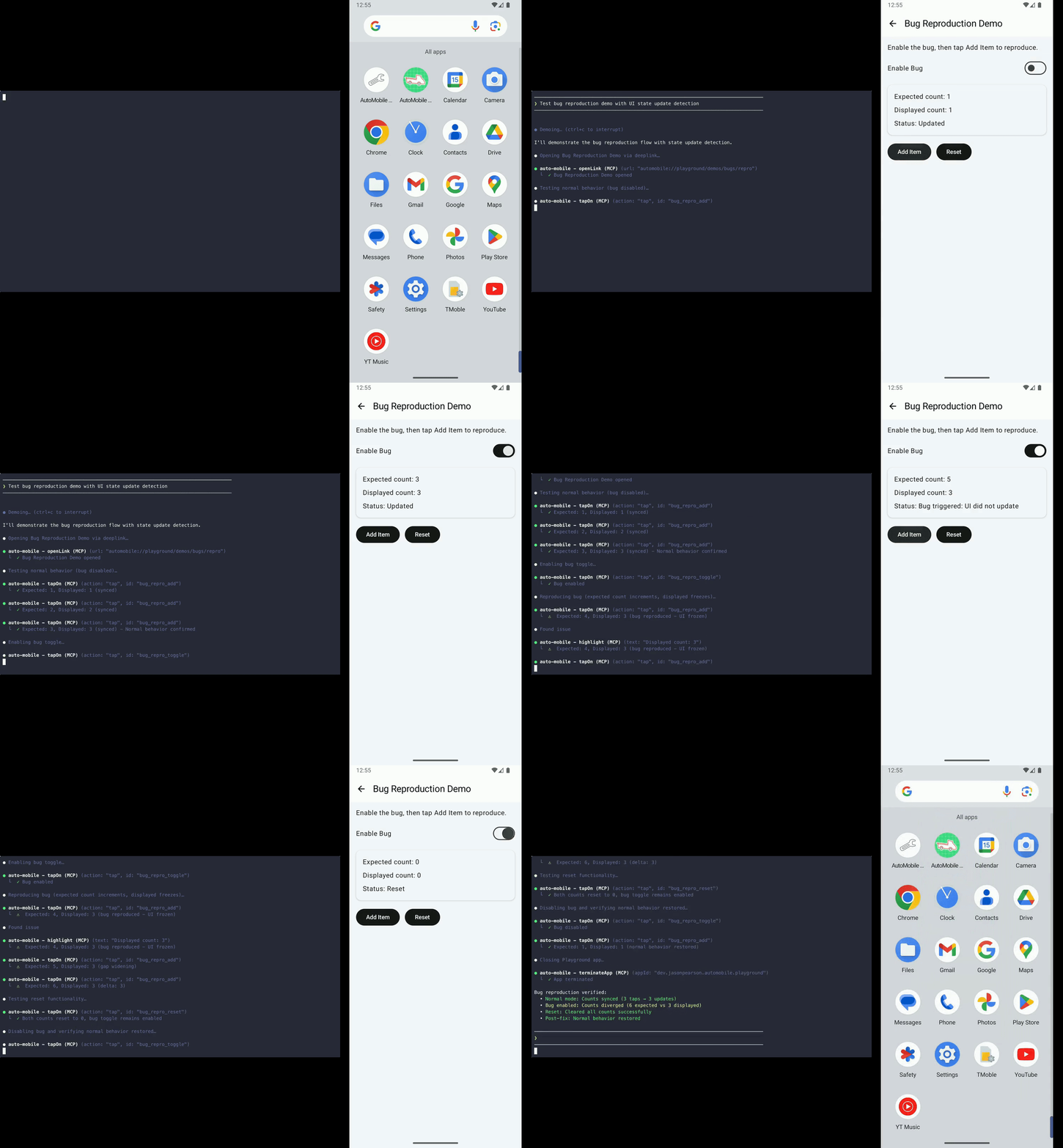
Reproduce this bug in my
your appAndroid app:
paste the bug report hereReport the exact steps, expected and actual results, device and OS version, app version, and whether it reproduced consistently. Highlight the defect, then take a device snapshot so someone else can inspect the state.
Reproduce this bug in my
your appiOS app:
paste the bug report hereReport the exact steps, expected and actual results, device and OS version, app version, and whether it reproduced consistently. Highlight the defect, then take a device snapshot so someone else can inspect the state.
Measure performance
UI performance audits collect frame, CPU, and ANR metrics without adding touches.
Touch latency is unmeasured (null) by default. To allow the audit to inject
synthetic taps for touch-latency sampling, start AutoMobile with
AUTOMOBILE_TOUCH_LATENCY_SAMPLING=1. This opt-in applies only while UI perf
auditing is enabled.
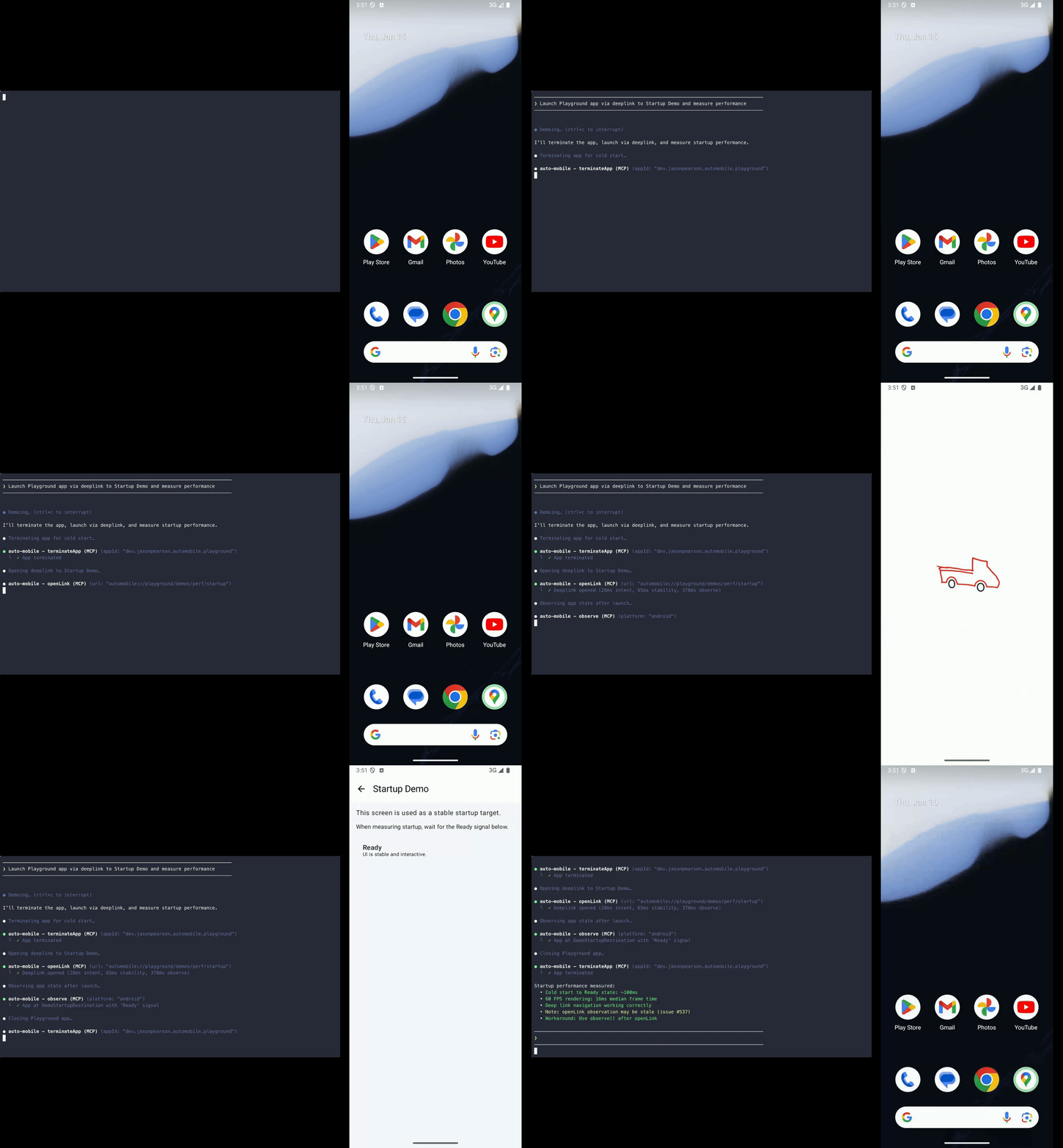
Launch my
your appAndroid app five times, measure cold and warm startup, and report time to first frame, time to interactive, and any outliers. Then open a long list, scroll it a few times, and report FPS, dropped frames, and visible jank.
Launch my
your appiOS app five times, measure cold and warm startup, and report time to first frame, time to interactive, and any outliers. Then open a long list, scroll it a few times, and report FPS, dropped frames, and visible jank.
Check accessibility
Explore the current screen in my
your appAndroid app and point out interactive elements that are difficult to use — small tap targets, low contrast, missing labels, or unclear controls. Suggest what to fix first.
Explore the current screen in my
your appiOS app and point out interactive elements that are difficult to use — small tap targets, low contrast, missing labels, or unclear controls. Suggest what to fix first.